Posts

Showing posts with the label Front End

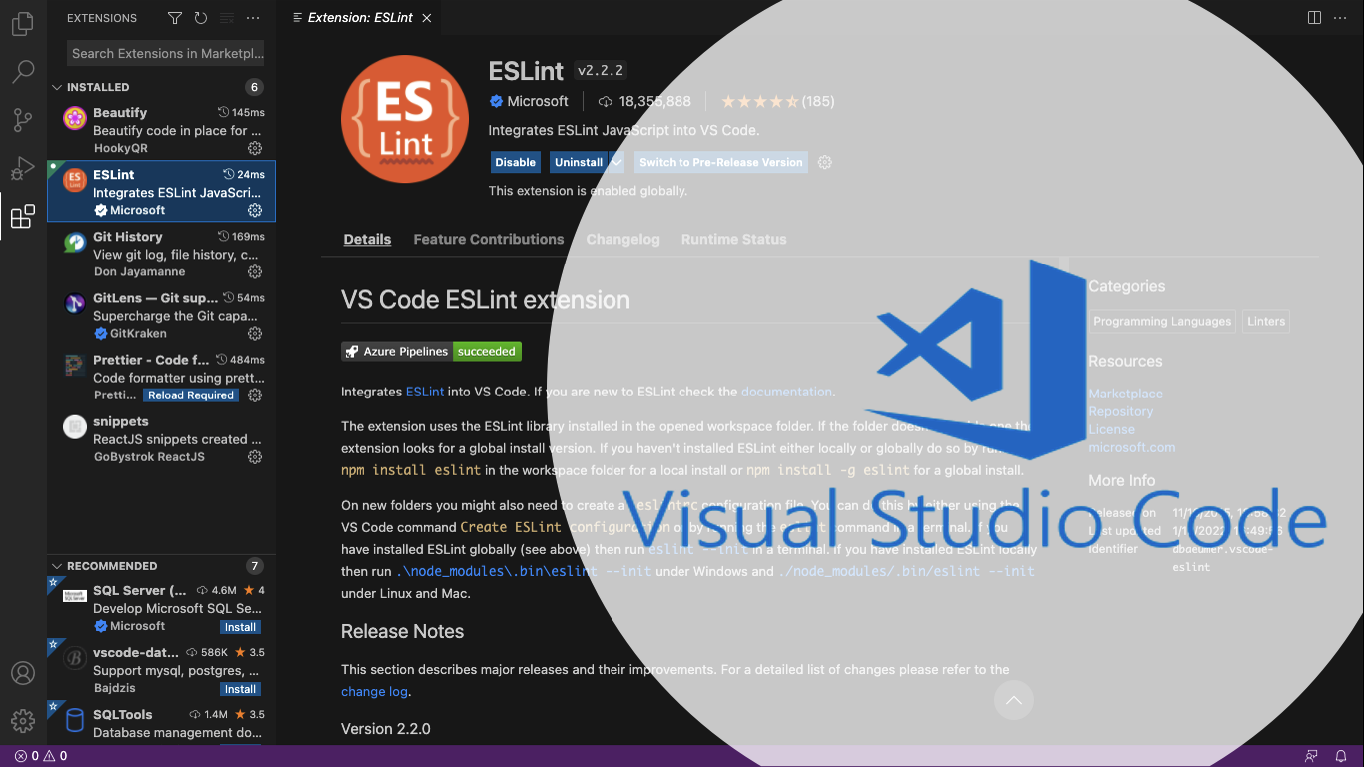
How to Inspect Problems in Your ReactJS Codes
Image
Every web developer needs to validate their codes according to standard formats especially ReactJS Web Developers. When writing JavaScript with an editor such as Visual Studio Code, there are different ways you can ensure your code is syntactically correct and in line with current best practices. You can use a linter to do this. Linters check your code for syntax errors and highlight errors to make sure you can quickly find and fix them.
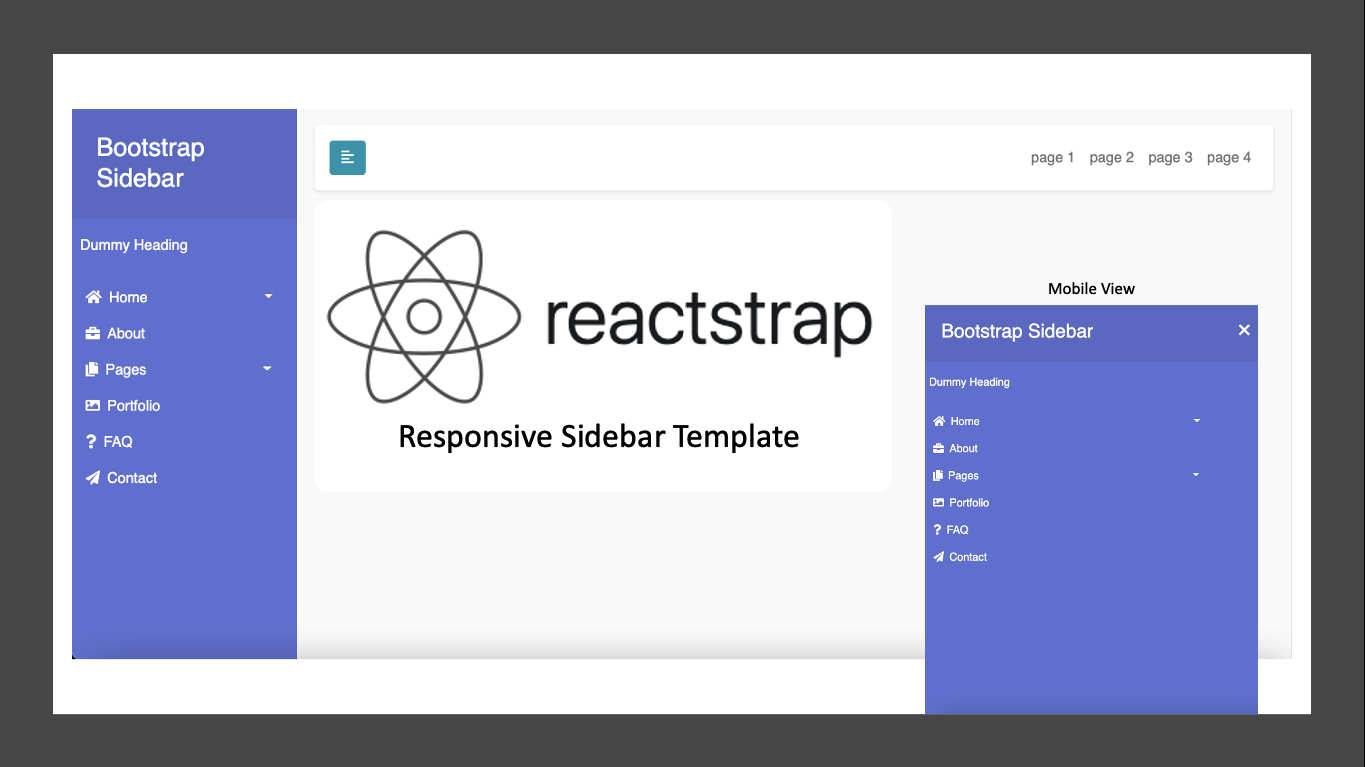

ReactJS: React Bootstrap (Reactstrap) Sidebar Template

Image
As a front end website developer we have to fulfill what user want in template design such as how to display menu in Sidebar for website which we will be developed. To simplify you in developing sidebar menu for your website, I have got a references from URL article below. https://bootstrapious.com/tutorial/sidebar/index.html

ReactJS: Protected Routes Implementation in ReactJS

Image
Protected Routes are routes that can only be accessed if a condition is met(usually, if user is properly authenticated). It returns a Route that either renders a component or redirects a user to another route based on a set condition. We will use this method if we want to separate between specific user and public user in accessing pages in our website by using ReactJS platform.

ReactJS Hooks: How to Use useState in ReactJS?

Image
Hooks solve a wide variety of seemingly unconnected problems in React that we’ve encountered over five years of writing and maintaining tens of thousands of components. Whether you’re learning React, use it daily, or even prefer a different library with a similar component model, you might recognize some of these problems.

ReactJS: How to Use Axios to Grab Data from API in ReactJS?

Image
Many projects on the web need to interface with a REST API at some stage in their development. And here I will show you step-by-step how to use axios in ReactJS.

ReactJS: What is Reactstrap? How to use it?

Image
Reactstrap is a React component library for Bootstrap. Reactstrap is currently compatible with Bootstrap 5.1.

ReactJS: What is ReactJS?

Image
ReactJS is a JavaScript library for building UI components for web applications. React was developed by Facebook and was released in 2013. Facebook extensively uses React in their products like Facebook, WhatsApp, Instagram etc. It is used by Facebook, Uber, Netflix, Twitter, Reddit, Paypal, Walmart, and many other popular websites.

JavaScript Algorithm

Image
Algorithm is a step by step method to solve a problem. When we think of solving a problem step by step, we are actually implementing an algorithm. Before writing code, we should first determine how to make the algorithm flow. There are 2 options in compiling the algorithm flow, by Flowchart or Pseudo-code. Algorithm Writing Methods Flowchart Flowchart is a visual representation of the control flow of an algorithm. This representation defines several things, such as: statements that need to be executed, decisions that need to be made, flow logic (for iteration and other purposes), and terminal that shows the starting and ending points. Flowchart Symbols And below is a sample of flowchart. Sample of Flowchart Pros (+) Flowchart is able to present control flow algorithm visually. So, it is easier for us to understand the flow of solving a problem or condition. It is easier to detect errors or inaccuracies in a complex and detailed flowchart. Cons (-) The work is time consumi...

JavaScript Fundamental

Image
Javascript is a programming language like Python, C++ and others. This language is widely used for web development. So we will encounter javascript when browsing the internet with a browser.

CSS: What is CSS Framework and Bootstrap?

Image
CSS is a Cascading Style Sheet language and is usually used to set the appearance of elements written in a markup language like HTML. And framework is a useful tool to make our work easier. By using a framework we can do things faster. CSS Framework helps us in setting the appearance of the elements on our page (Helps us in writing CSS).

Git: What is Git, Github, and Gitlab?

Image
Every Front-End Developer should know about Git and Gitlab. Git is software for tracking changes in any set of files, usually used for coordinating work among programmers collaboratively developing source code during software development. Its goals include speed, data integrity, and support for distributed, non-linear workflows (thousands of parallel branches running on different systems). And Gitlab or Github is one of free Git remote repositories where we can save project collaboration files in a cloud so every member of project can be accessed together and support each other to complete project documents. There are many remote repositories beside Gitlab and Github but these 2 repositories which are recommended to be used for Git learning.

CSS: What is Cascading Stylesheet (CSS)?

Image
CSS is the language for defining how the HTML Document is presented. Presenting HTML document to a user means turning it into a form that is usable for our readers. Browsers, such as Firefox, Chrome or Internet Explorer, are designed to present HTML documents visually.

HTML: What is Hypertext Markup Language (HTML)?

Image
HTML is a language markup to make Web Pages. Markup Language is a format in write where the writing will be processed become a display. Because HTML is a markup language, it is used to tell the browser to compose a web page and tell how the browser will display it. We can tell the browser to display other things, like images, italicized text, or even a list. And in HTML, we use Tag.

Front-End Introduction: What is Form, Block-Inline, List, HTTP Request Methods?

Image
An HTML form is used to collect user input. The user input is most often sent to a server for processing. 

Front-End Introduction: What is Front-End part of a Website?

Image
The Front-End part of a website is the part that is directly seen by the user. Users can also directly interact in this section. This section is built using HTML (Structure), CSS (Style), and JavaScript (Interaction).

Popular posts from this blog

How to Inspect Problems in Your ReactJS Codes